Claude can build launch films, motion design product videos and 3D animations, because it writes every animation as code. The 12 examples below run from 9.7 to 68.1 seconds, in 16:9, 9:16 and 1:1. Their prompts range from 920 to 19,290 words. How long a prompt needs to be depends mostly on the style, not on the length of the film.
Claude animation examples are the fastest way to see what Claude can actually do: launch films with big type, product videos built from app screens, and full 3D worlds with a moving camera. It works because Claude writes every animation as code that moves text, shapes and objects. Below are 12 finished videos from our library, each with its length, format and the size of the prompt behind it. That way you can see which style fits your project and how much description it takes.
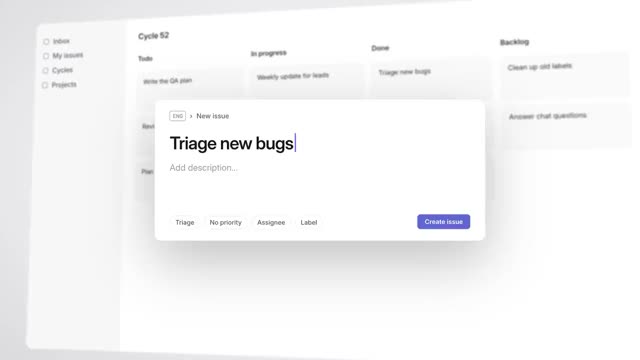
The video above is "Lunear", a 19.6-second launch film in 16:9 for an invented project tool and its new "Loops" feature. The prompt behind it has 3,620 words. If you need a launch film like this for your own feature, copy the prompt on the Lunear page and ask Claude to swap in your name, colours and copy.
12 Claude animation examples at a glance
The selection covers the three styles Claude can build without any filmed footage: Launch Style, Motion Design and 3D. Each card opens the video's page, where you can watch it with sound and read the start of the prompt.
Launch StyleLunearnew feature in a project tool19.6 s · 16:93,620 words
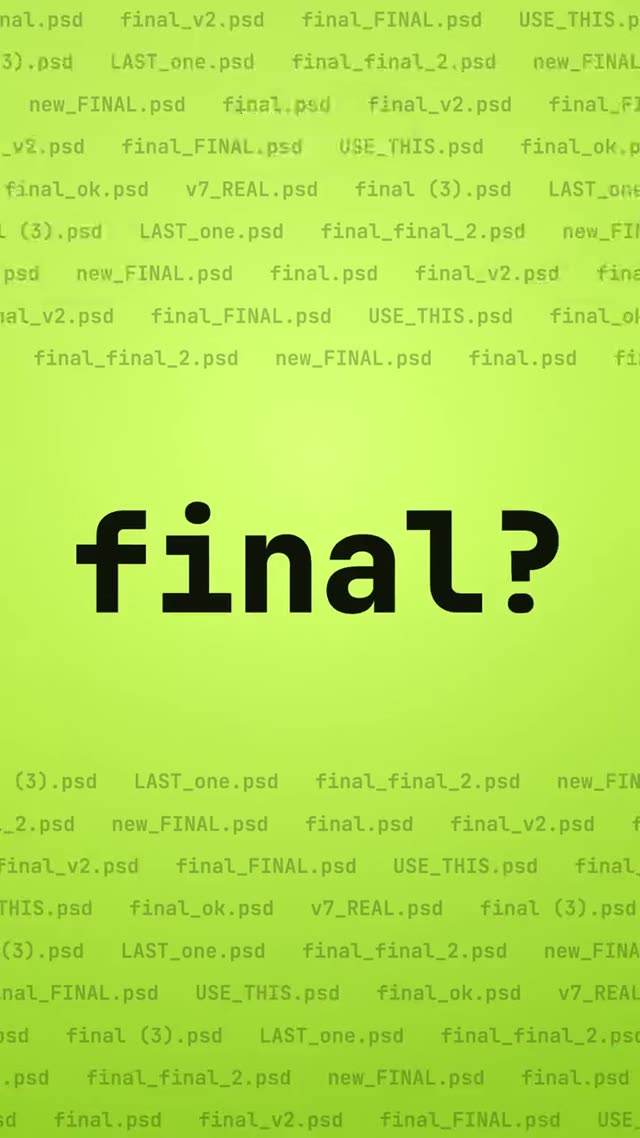 Launch StyleFinaloevery version in one file15.2 s · 9:161,157 words
 Launch StyleSkippagoes to the meetings you skip16.5 s · 9:16920 words
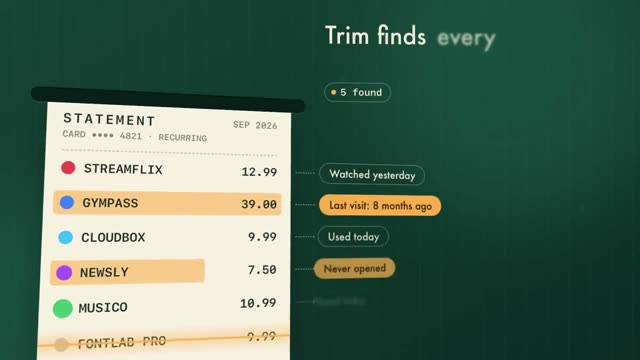 Motion DesignTrimfinds and cancels old subscriptions11.3 s · 16:918,834 words
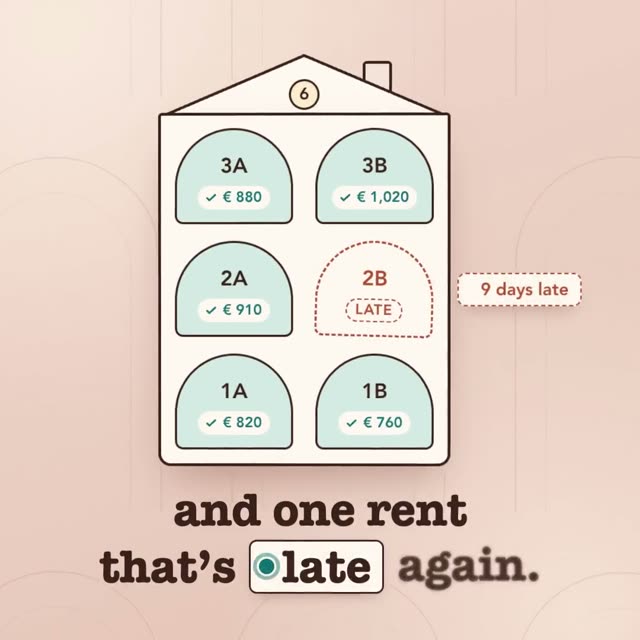 Motion DesignHabitarent management for landlords10.8 s · 1:113,792 words
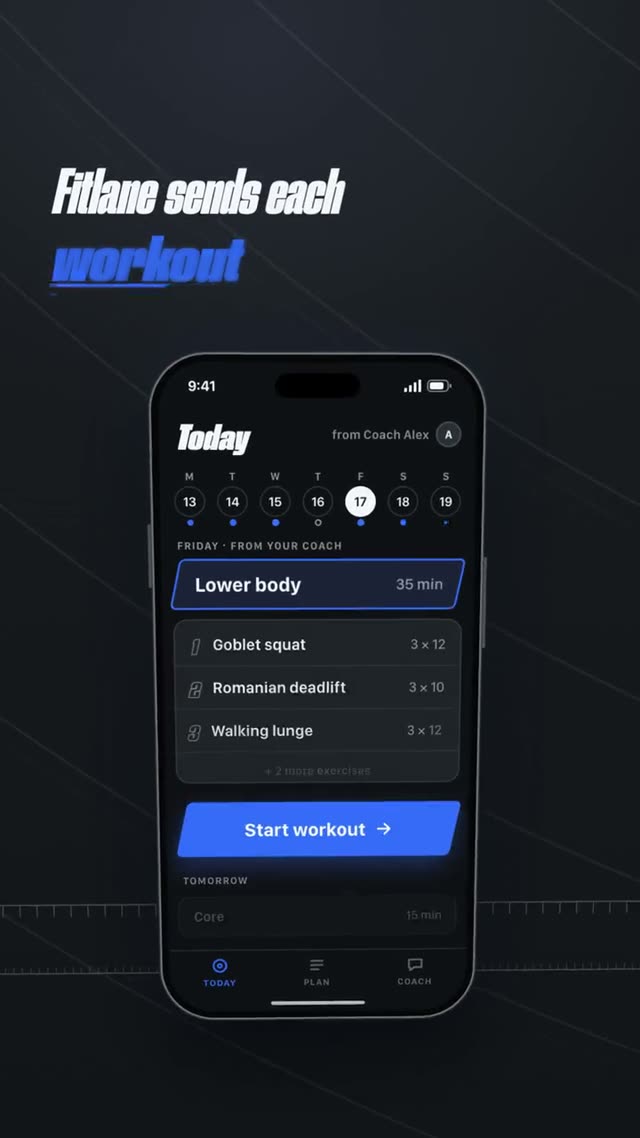 Motion DesignFitlanecoaching app for trainers10.6 s · 9:1616,360 words
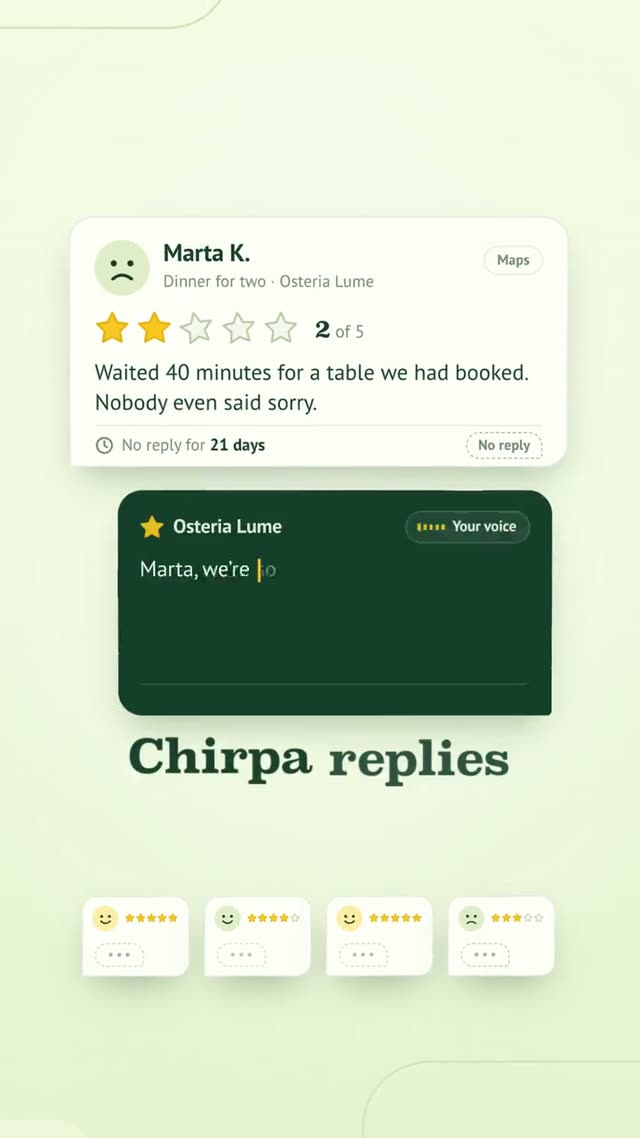 Motion DesignChirpaAI that replies to reviews11.6 s · 9:1619,290 words
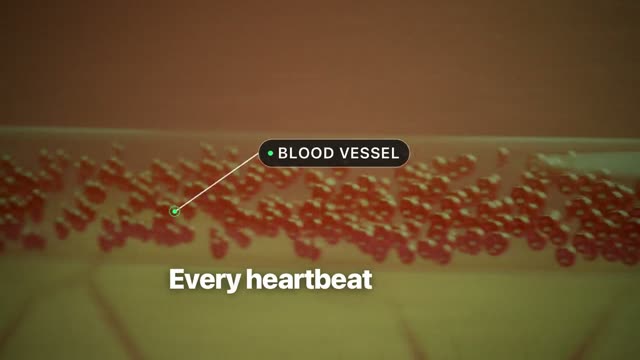 3D product filmHeartbeatsmartwatch21.9 s · 16:94,529 words
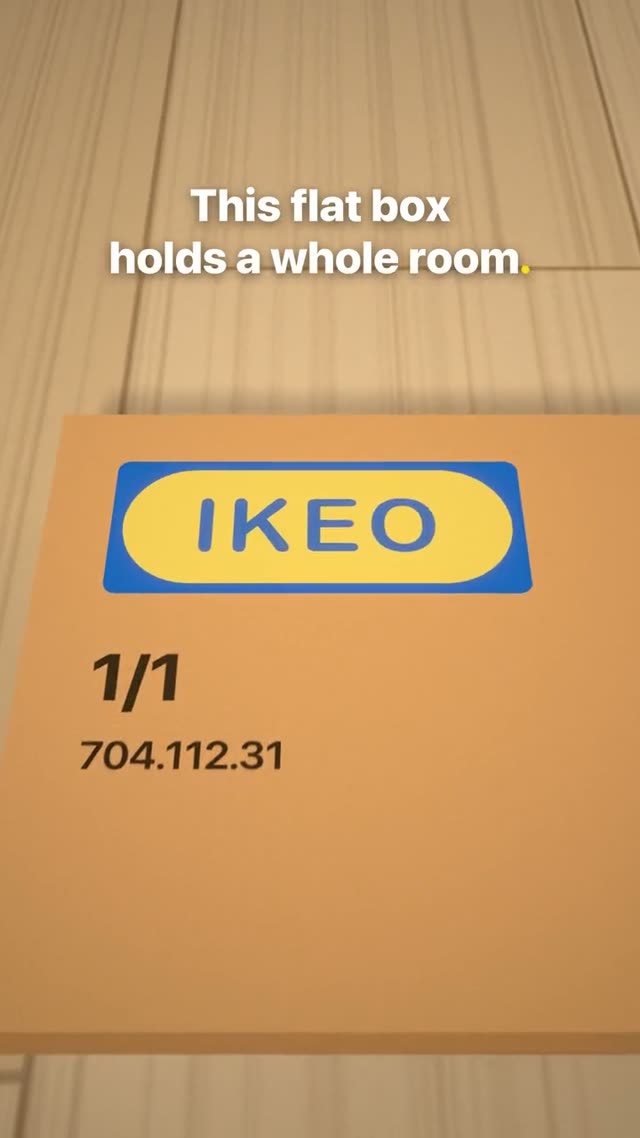 3D product filmIKEOflat-pack furniture store9.7 s · 9:163,392 words
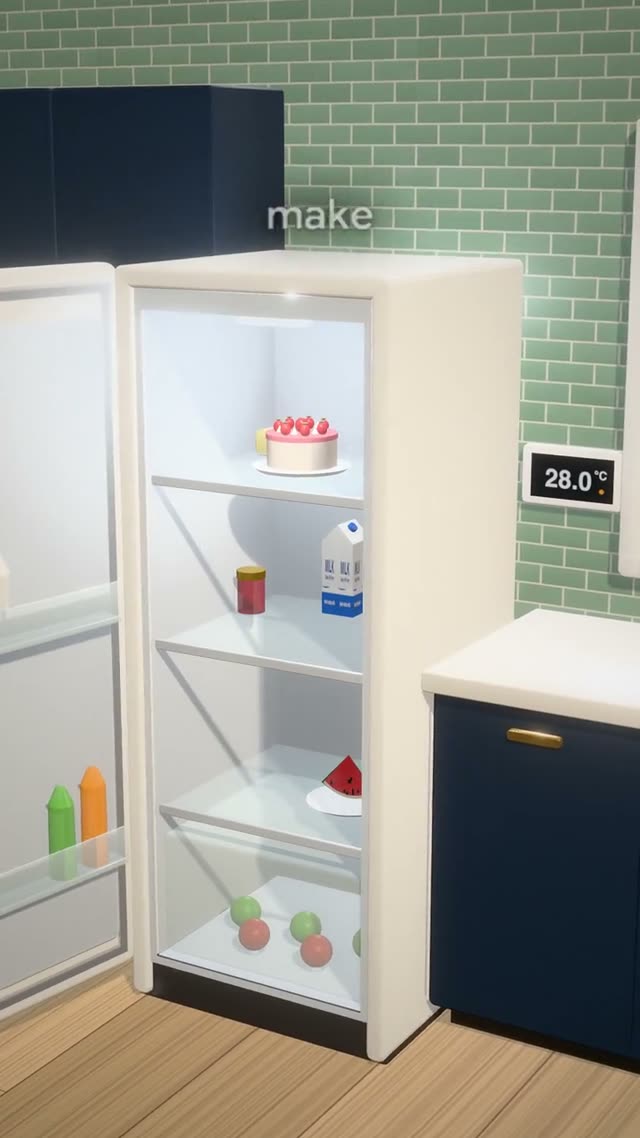 3D explainerFridgehow it keeps your food cold50.3 s · 9:162,748 words
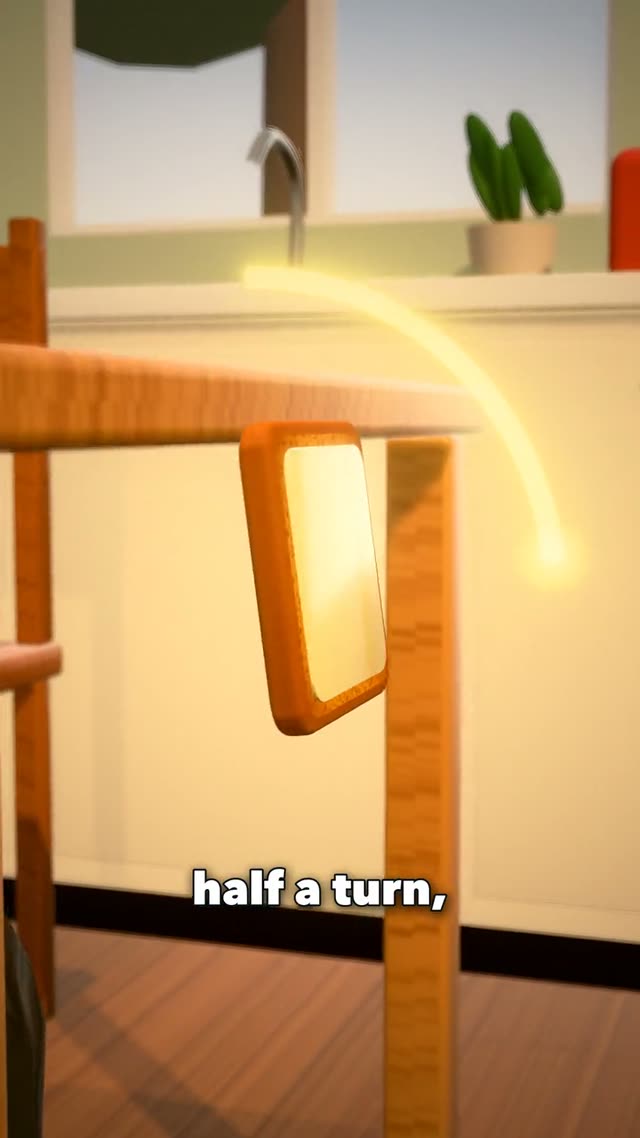 3D explainerToastwhy it lands butter side down68.1 s · 9:162,682 words
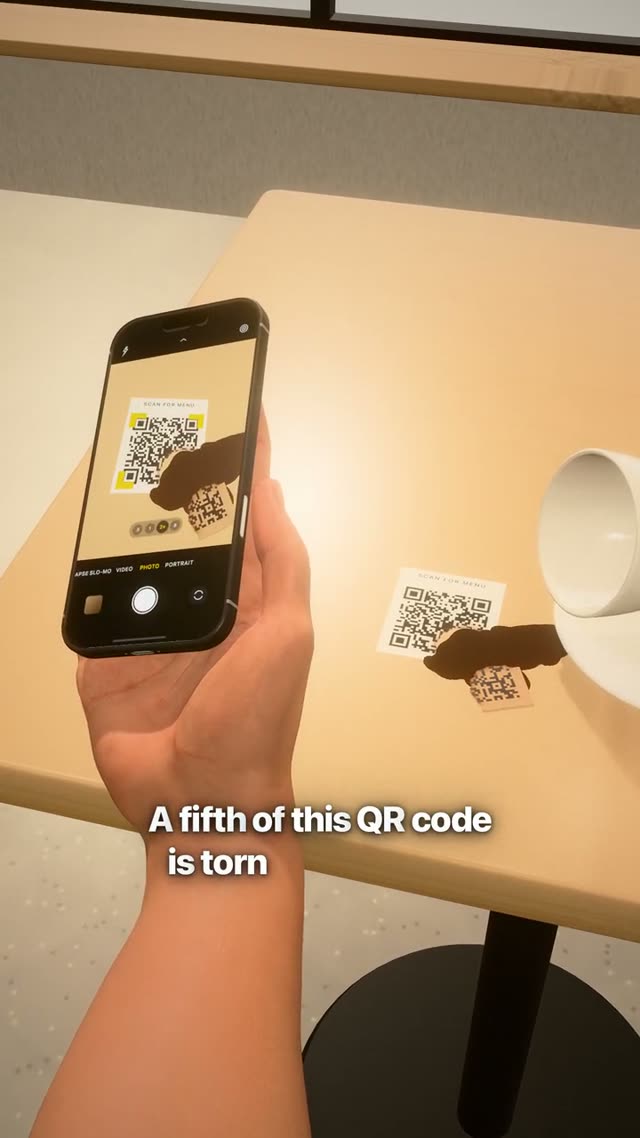 3D explainerQR codehow your phone reads it58.7 s · 9:162,367 words
As of 25 November 2026. Length of the finished video file, word count of the full prompt in our library.
Every brand in these examples is invented. The prompts are written so you can swap the name, colours and content for your own product.
Launch films: short, fast and one single idea
A launch film introduces a new feature or a new app. It runs on big type, a fast rhythm and one idea that anyone gets at first glance. In Lunear that idea is the "Loops" feature: work that comes back every week is set up once and then runs on its own. Finalo shows an app that keeps every version inside one file, instead of 24 copies with names like "final_FINAL". Skippa goes to the meetings you skip and sends you a short summary afterwards.
All three films are between 15 and 20 seconds long. At 920 to 3,620 words, their prompts are the shortest on this list. That fits the style: a launch film has few parts, but each of them has to land at exactly the right moment. Two of the three are vertical 9:16, made for Reels, TikTok and Shorts. How to plan a film like this from the idea to the lines is covered in SaaS launch video script.
Motion design product videos: every scene planned in detail
Motion design is the style in which an app explains itself: cards fly in, numbers count up, screens build piece by piece, and a camera glides through a tidy world. Trim finds forgotten subscriptions and cancels them. Habita is rent management for private landlords, in square 1:1. Fitlane is a coaching app for personal trainers, and Chirpa is an AI that replies to customer reviews.
At 10.6 to 11.6 seconds these are the shortest films on the list. Yet their prompts are the longest, between 13,792 and 19,290 words. That sounds odd, but the reason is simple. Every second of a product video holds a lot: a screen with real copy, several parts moving at once, and transitions that have to lock into each other. The prompt describes each of these parts on its own, with colour, size, timing and motion. How such a prompt is built is shown in Claude Motion prompts.
3D animation with Claude: product films and explainers
Claude can also build three-dimensional worlds with light, shadows, reflections and a camera that flies through the space. That is code as well: the objects, the light and the camera path live in the program, and every frame is rendered from it. Heartbeat shows a smartwatch as a 16:9 product film, and IKEO a flat-pack furniture store in just 9.7 seconds.
The three explainers are the longest examples. The fridge film explains in 50.3 seconds why a fridge does not make cold at all, but moves heat out. The toast film shows in 68.1 seconds why toast so often lands butter side down. The QR code film explains in 58.7 seconds how a phone still reads a torn code. Each one is a single camera move with a narrator, and the motion follows the words. Despite their length, their prompts only have about 2,400 to 2,750 words.
Why some prompts have 900 words and others 19,000
The examples show a clear rule: prompt length depends on the style, not on the seconds. That holds not only for these 12 videos but for the whole library. The chart shows the median per style across every prompt that is online right now.
As of 25 November 2026. Median word count of all prompts online in the DrillUp library, per style.
Motion design needs so many words because every scene has its own list of parts: which card, which text, which number, when it arrives and how it moves. A 3D film instead describes one world, its objects and a single camera path. All the frames then follow from that path. Talking Head is in the chart only for comparison and is missing from the examples above, because it needs a video of the person speaking. Those films are not made from the prompt alone.
What this means for you: a short prompt is more likely to be enough for a 3D explainer than for a 10-second product video. If your Claude animation looks too plain, the prompt usually does not lack length in general. It lacks precision about the individual parts.
What the 12 prompts have in common
Different as the styles are, the prompts behind these examples follow a similar skeleton. We counted how many of the 12 prompts have each part as its own section:
- A clear goal at the top (12 of 12): what gets built, how long, in which format and usually at how many frames per second.
- A timeline (12 of 12): every scene with a start and end in seconds, and for explainers matched to the narrator's words.
- A fixed look (11 of 12): colours, fonts and shapes with exact values instead of "modern" or "clean".
- A part to customise (10 of 12): where the name, colours and copy sit, so you can swap them for your product.
- A final check (7 of 12): Claude checks the finished film against the prompt itself before it is exported.
The first two matter most. Without a goal, Claude guesses length and format. Without a timeline, scenes drift apart. If you only put two things in your own prompt, make it these.
If an animation still breaks, the most common causes are in Claude animation not working. How to turn the finished animation into an MP4 file is covered in Export a Claude animation to MP4.
Turn one of these examples into your own video
The fastest way is not to start from zero. Pick a video in the DrillUp library whose style fits your product. On its page you copy the prompt, give it to Claude together with your product's name, colours and key messages, and let Claude rebuild the film. For a launch film a new main message is often enough. For a motion design film you also swap the screens for your own.
You do not need to be a motion designer or know any editing software. How to set up Claude, adapt the prompt and export the finished video is shown step by step in the DrillUp Academy. For an overview of the whole path from prompt to video, read How to create motion design videos with Claude.
Frequently asked questions
What kinds of animation can Claude make?
Anything that can be built as code: animated type, app screens, charts, logos, camera moves through 3D worlds and explainers timed to a voice-over. Claude does not create real camera footage or photorealistic people. That is what video models are for.
How long can an animation made with Claude be?
Our examples run from 9.7 to 68.1 seconds. Longer films work too, but they need a precise prompt with a timeline and use more of your usage limit.
Do I need Claude Motion for these examples?
No. According to Anthropic, Claude Motion is only on the Team and Enterprise plans. You can also build these animations as an artifact or with Claude Code and then export them to MP4 frame by frame.
Can I remake one of these examples for my own product?
Yes. Each video has its own page with the prompt behind it. You copy the prompt, give Claude your product's name, colours and content, and let it rebuild the film.