
A good Claude Motion prompt states the format, length, audience and where the animation will play, describes every scene with seconds and motion, and fixes the colors. Below are 12 prompts like that for common jobs, from a growing metric to a 9:16 Reel. Copy one, swap the placeholders for your own content and attach your numbers or screenshots.
Here are 12 Claude Motion prompts you can copy right now. Each one is built for a common job: a metric that grows, a product walkthrough, a feature launch, an Instagram Reel. For every example we link a finished video from our library, so you can see what that kind of film can look like. Swap the placeholders in square brackets for your own content, attach your numbers or screenshots, and you have a prompt that doesn't produce a random result.
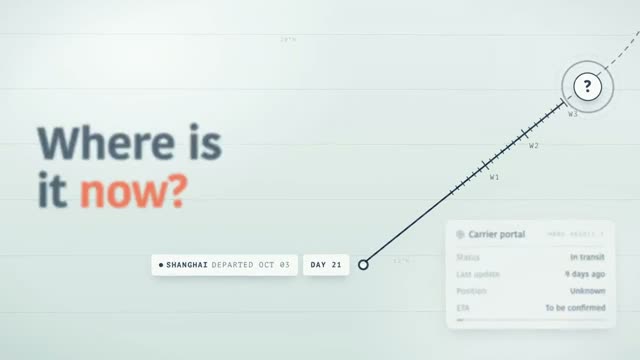
The video above is "Harbora", a product film for container shipment tracking. It matches example 7 below. One thing to keep in mind: our videos were made with Claude from very long prompts, not from the short examples here. The short prompts are your starting point, the videos show the destination.
All 12 Claude Motion prompts at a glance
The overview shows each example with its format. Click an image to open the matching finished video.
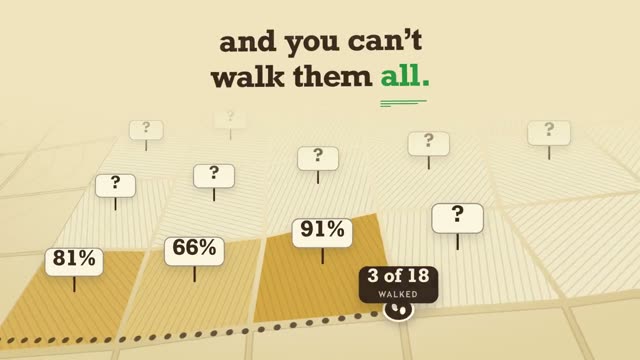 01A metric that grows16:9
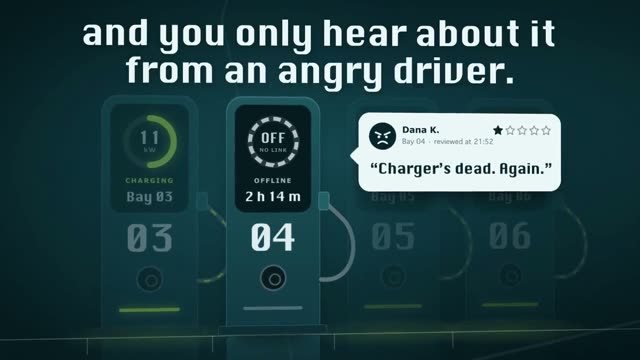 02Report as an explainer16:9
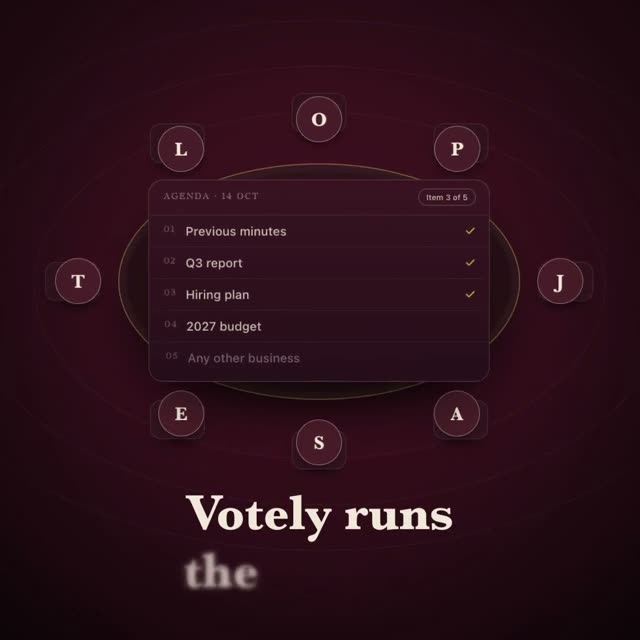 03Chart for the board1:1
 04Compare plans1:1
 05Product walkthrough16:9
 06Feature launch16:907Explain a process16:9
 08Problem, then solution16:9
 09Reel with an app9:16
 10Chat animation9:16
 11Text on the beat1:1
 12Clean up a list16:9
What every one of these prompts pins down
Anthropic's Claude Motion help page gives one clear piece of advice: say who will watch it, where it will play and roughly how long it should be, and attach the material you want Claude to use. Every example below follows that, and adds three more things:
- Scenes with seconds. What happens when? Without timings, Claude spreads the pace on its own.
- The motion. Does a number count up, does a line draw itself, does a card slide in? That is what turns slides into a film.
- Colors as hex codes. "#2F7D4F" is precise, "fresh green" is not.
As of October 21, 2026, Claude Motion is a beta on the Team and Enterprise plans. The prompts also work in a regular Claude chat, though. For the feature itself, read Claude Motion: what it does and who gets it.
Prompts for numbers, reports and presentations
1. A metric that grows
Create a 10-second animation in 16:9 for our website homepage. Audience: [your audience]. Background #F5F0E6, text #1B1B1B, accent #2F7D4F. Scene 1 (0 to 4 s): the number [your metric] counts up from 0 and eases to a soft stop. Scene 2 (4 to 10 s): three areas appear one after another, each with its value. Only use numbers from the attached sheet.
Matching video: Yieldo, a film for field and harvest planning where percentages take the lead.
2. A quarterly report as an explainer
Turn the attached quarterly report into a 30-second explainer in 16:9 for our all-hands. Five scenes, one point each, no more than six words of on-screen text per scene. Numbers count up, bars grow from the left. Calm pace, every scene holds still for half a second at the end. Only use numbers from the report.
"No more than six words" is the line that matters most. Without it, half the report ends up as text on screen. Matching video: Wattlo, a film for managing EV charging stations.
3. A chart for the board deck
Animate the attached line chart for one slide in our board presentation, 1:1, 8 seconds. The line draws from left to right, the last point lights up in #E8581A and its value appears next to it. Dark background #111111, no other effects, no logo.
"No other effects" keeps it calm enough for a boardroom. Matching video: Votely, a film built around board meetings.
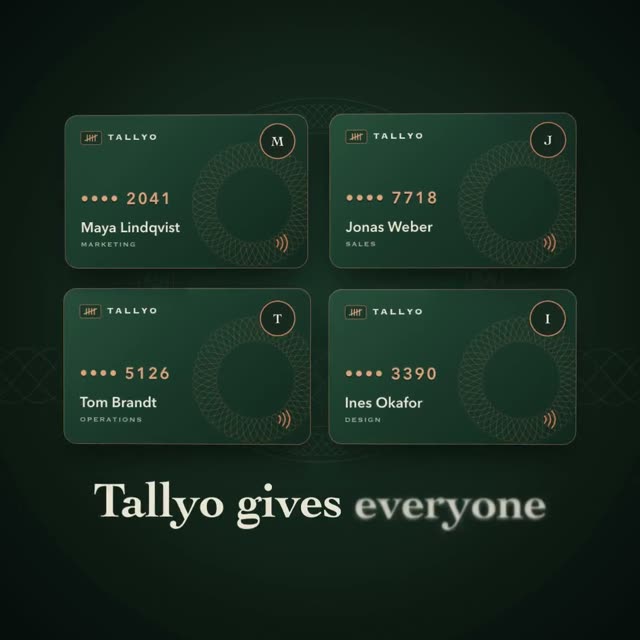
4. Compare plans or offers
Animate how our three plans differ, 1:1, 12 seconds, for the sales kickoff. Three cards appear side by side, then the key number on each card counts up. The recommended card lifts slightly at the end. Use the numbers from the attached price list.
Matching video: Tallyo, where cards with amounts sit side by side.
Prompts for products, features and customers
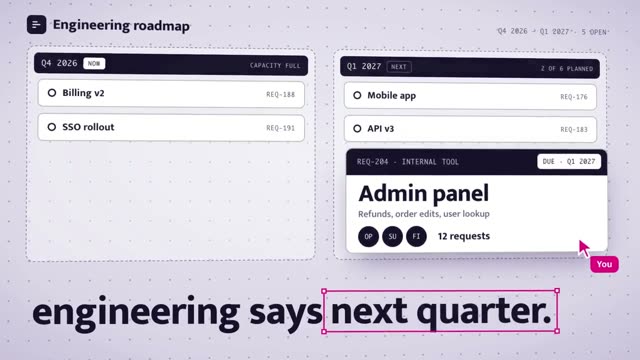
5. A walkthrough for new customers
Create a 20-second walkthrough in 16:9 for new customers of [product]. Three steps: create an account, set up the first project, invite the team. Each step shows a simplified interface based on the attached screenshots, and a cursor clicks the next button. The step number sits at the top, one sentence of explanation at the bottom.
Matching video: Schemata. To turn this into a full launch film, read SaaS launch video with AI.
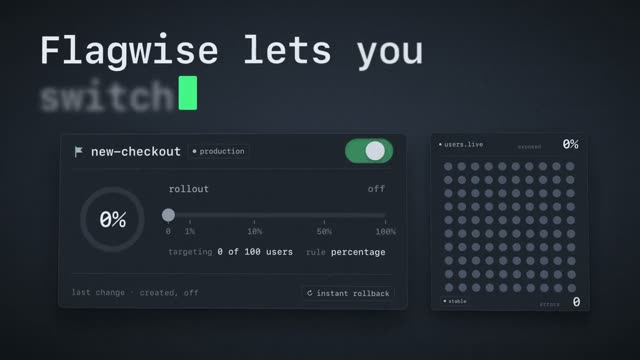
6. Announce a new feature
Announce our new feature [name] in 12 seconds, 16:9, for LinkedIn and our changelog. Scene 1: the problem in one sentence. Scene 2: a toggle flips and the interface visibly reacts. Scene 3: the feature name and "Available today". Font Inter, accent color #4F46E5.
Matching video: Flagwise.
7. Explain a process
Explain in 15 seconds, 16:9, how [an order] gets from [start] to [destination]. A line travels through four stops, and at each one a short label with status and date appears. The view follows the line slowly. Audience: customers watching on our website.
A line that runs through every scene holds the film together. Matching video: Harbora, the video at the top.
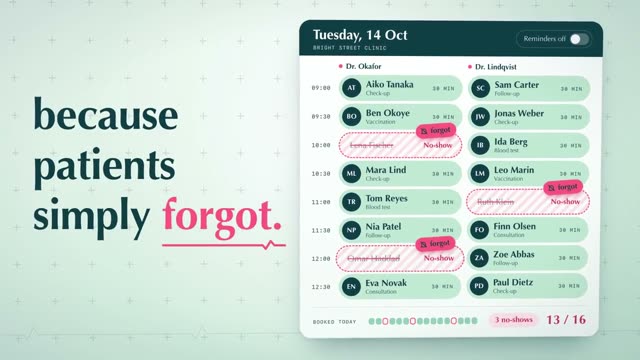
8. Problem first, then the solution
Build a 15-second ad in 16:9 for [audience]. Scene 1 (0 to 5 s): one sentence about the problem, the key word in #D6336C. Scene 2 (5 to 11 s): a schedule fills up and open items turn green. Scene 3 (11 to 15 s): the logo from the attached file and one sentence about the benefit.
Matching video: Clinqa, a film for appointment reminders in medical practices.
Prompts for social media and ads
9. A Reel with an app screen
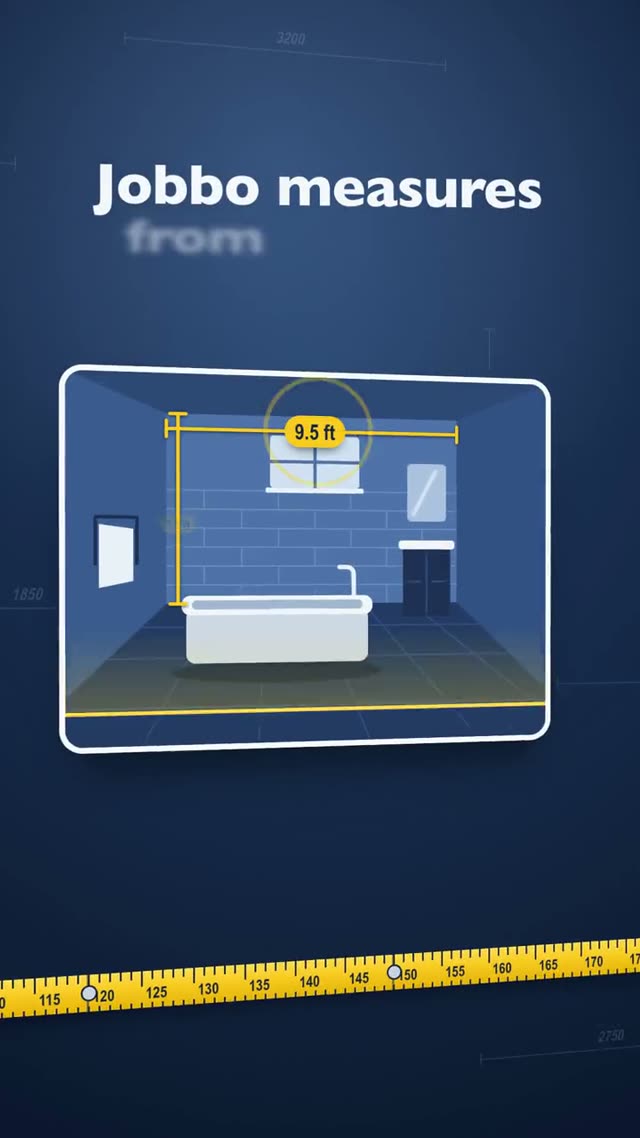
Create a 12-second Reel in 9:16 for Instagram. In the first second, a large question fills the frame: "[your audience's question]?" Then a phone appears with the interface from the attached screenshot, a finger taps the main button and the result shows up. Keep important text in the middle third of the frame.
The middle third matters because Instagram's own buttons cover the top and bottom. Matching video: Jobbo.
10. A chat animation
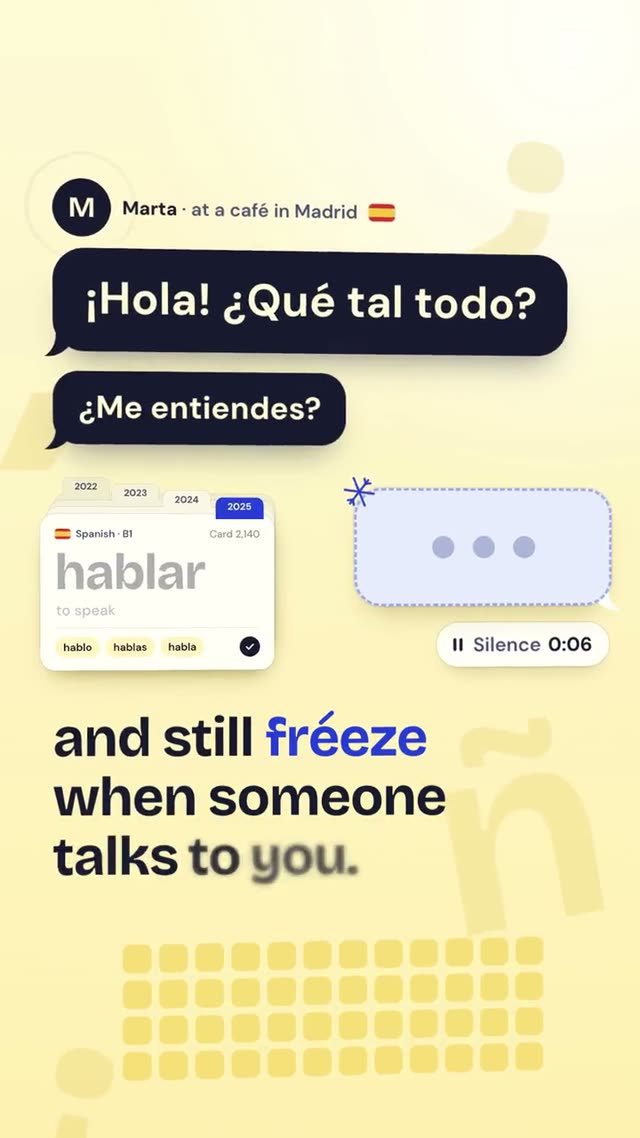
Animate a chat-style conversation, 9:16, 15 seconds, for TikTok. Four messages appear one by one, alternating left and right, each with a short typing indicator first. The last message is our app's reply. Light bubbles on #FFF4D6, text large enough for a phone.
Matching video: Vocado, an app for learning languages through conversation.
11. Text on the beat of the voice
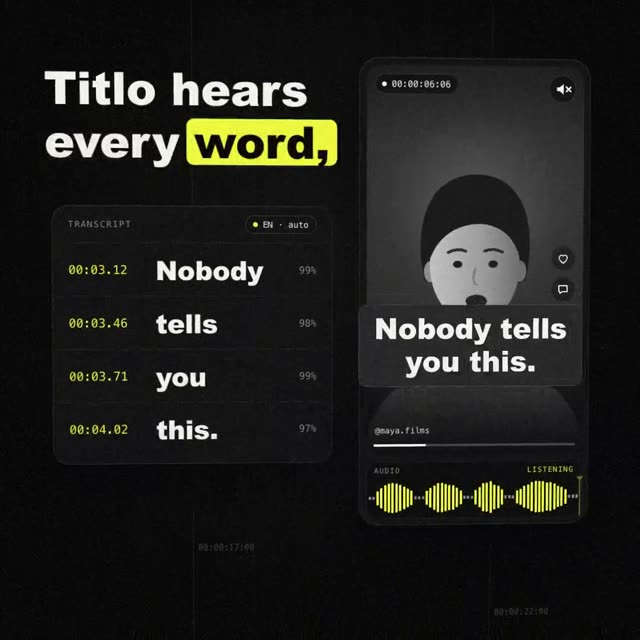
Make an 8-second text clip in 1:1 for the feed. The sentence "[your sentence]" appears word by word on the rhythm of speech, and the key word gets a #FFE14D highlight. Black background, one bold font, nothing else. At the end the full sentence holds for one second.
Matching video: Titlo, a film for a subtitle tool.
12. Clean up a list
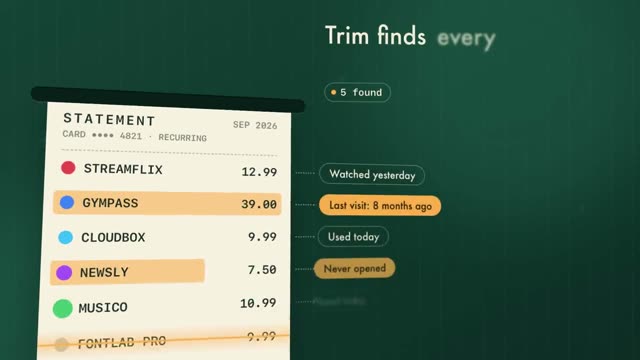
Show in 10 seconds, 16:9, how a messy list gets cleaned up. Scene 1: eight items with prices, three of them flash red. Scene 2: those three get crossed out and slide away while the total at the bottom counts down. The film runs as an ad for people who want to save money.
Matching video: Trim, an app that finds forgotten subscriptions. For more on ads, read AI video ads.
How to adapt an example
The first draft is rarely the last. Because Claude Motion builds every animation as code, you can change one detail and the rest stays exactly as it was. These lines work as a second message in the same chat:
- "Make scene 2 one second slower, keep everything else."
- "Replace the number in scene 1 with [new value]."
- "The text in scene 3 is too small on a phone, make it bigger."
- "The cards come in too hard, let them ease to a stop."
Change one thing per message. That way you see exactly what each change does and never have to guess which part broke something.
When a short prompt is no longer enough
The 12 examples give you a solid first draft. For a film that looks like it came from an agency, Claude needs much more: every scene with camera, lighting, transitions and the exact timing of every move. That is why the prompts in the DrillUp library average around 15,500 words, a full script instead of six sentences. Those are the prompts behind the videos above.
You don't have to write a prompt like that yourself. Pick a video, copy its prompt and change the topic, copy and colors for your product. If you want to build your own, how to write AI video prompts explains the structure. And if you are not on a Team plan: how to export a Claude animation to MP4. All library plans are on the pricing page.
Frequently asked questions
Do these prompts work without Claude Motion?
Yes. Claude can build animations as code on other plans too. You just don't get the Motion template, the editor or the export button. Our article on MP4 export shows how to save the animation as a video anyway.
How long should a Claude Motion prompt be?
For a first draft, four to six sentences like the examples here are enough. The more scenes, motion and colors you pin down, the less Claude decides at random. The prompts in the DrillUp library average around 15,500 words.
Can I use these example prompts for client work?
Yes. You can copy, change and use the 12 examples in this article for your own projects and for clients.
Which format should I pick?
16:9 for websites, presentations and YouTube, 9:16 for Reels and TikTok, 1:1 for feed posts and slides that sit next to text. Put the format in the first sentence of the prompt, because it shapes every layout.