AI Prompt
WhatsUp
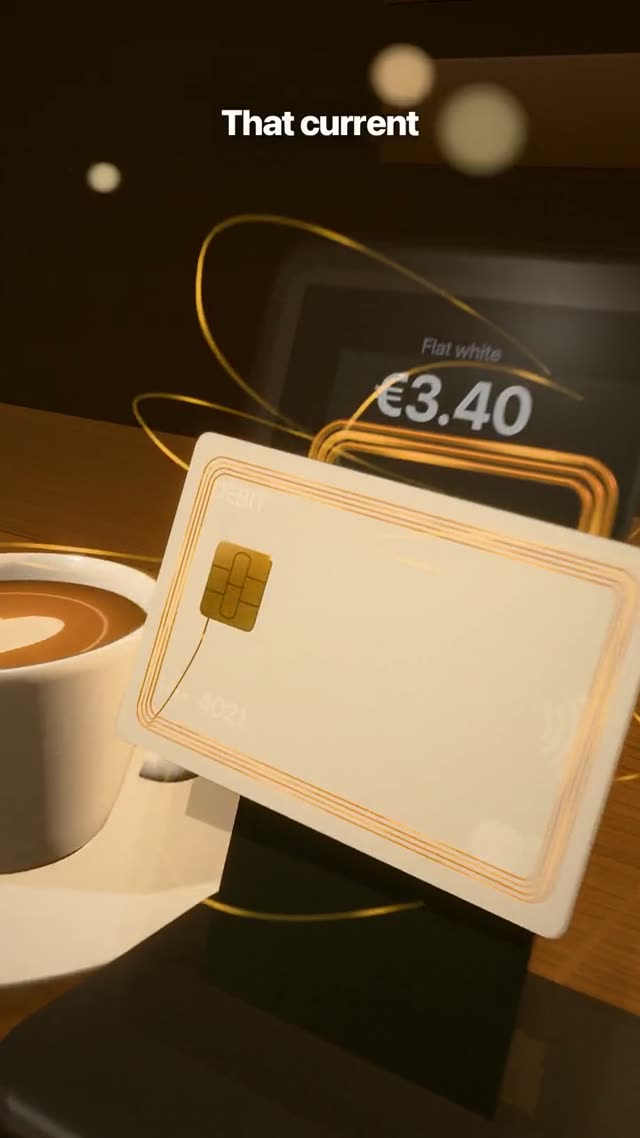
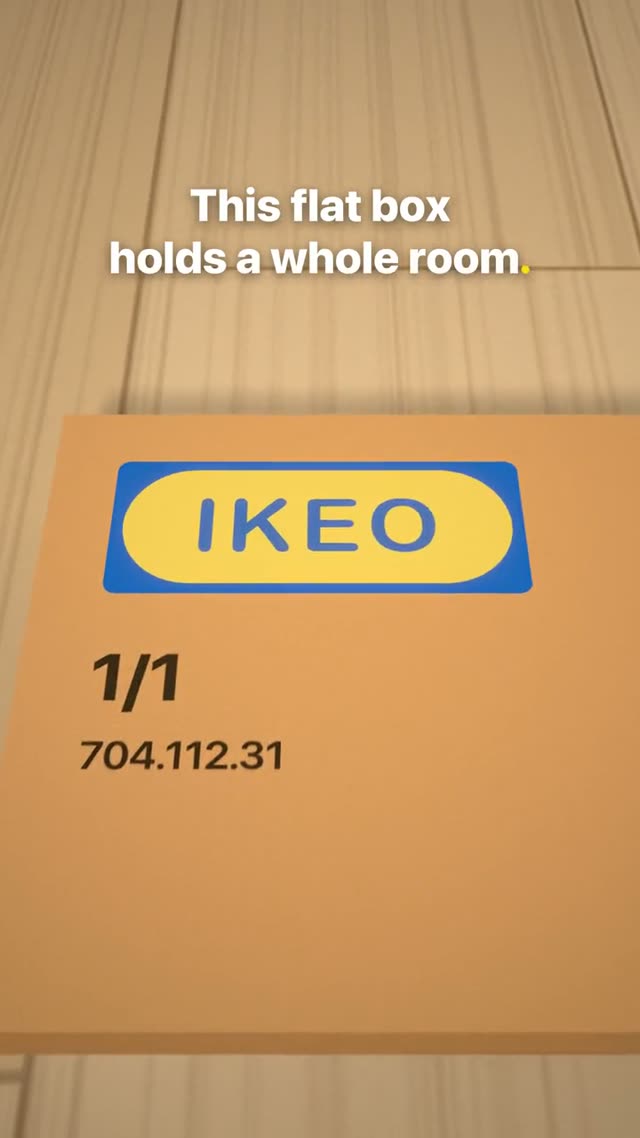
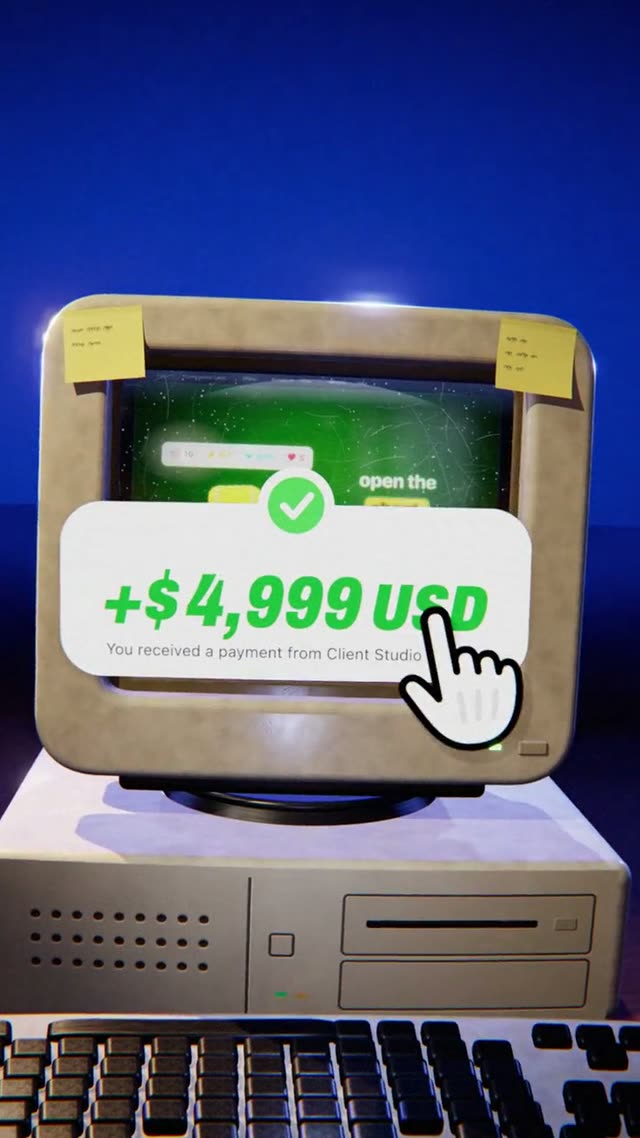
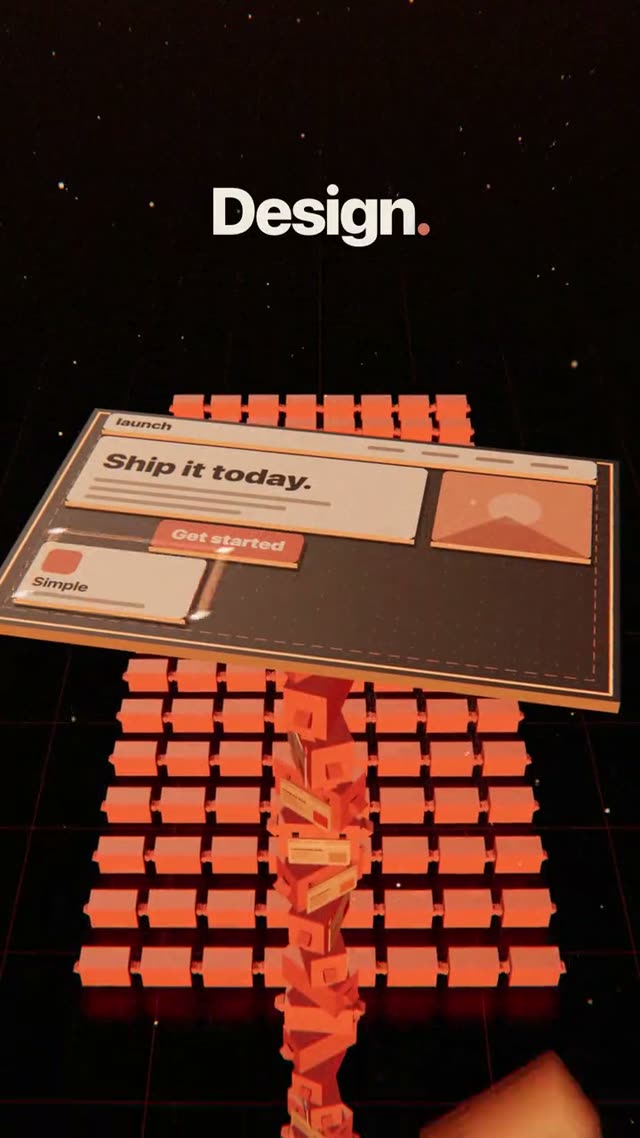
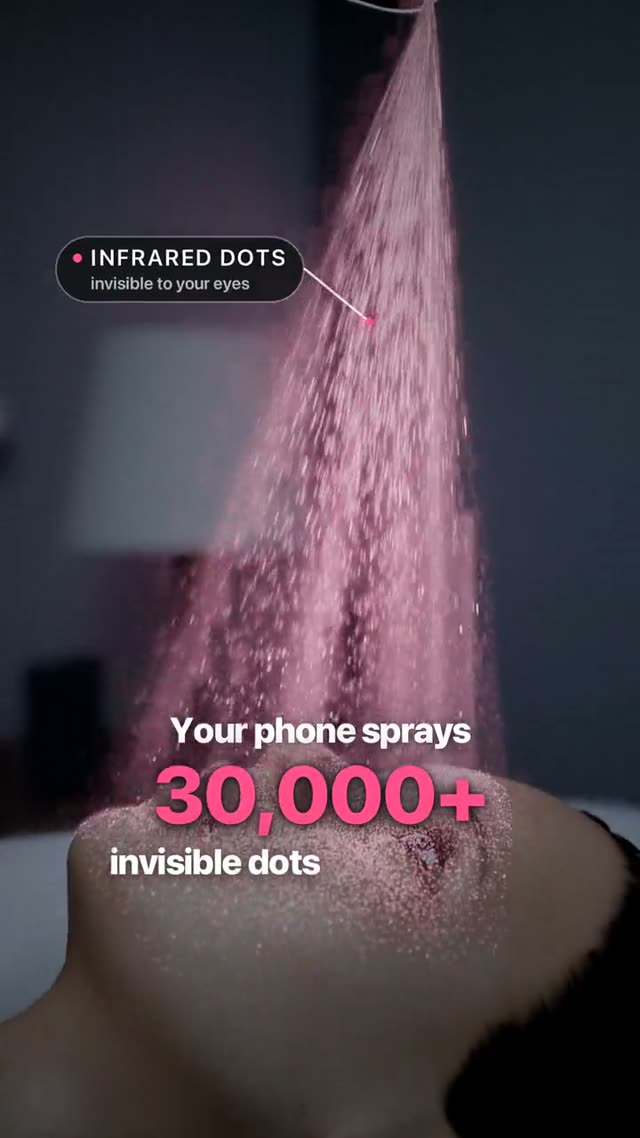
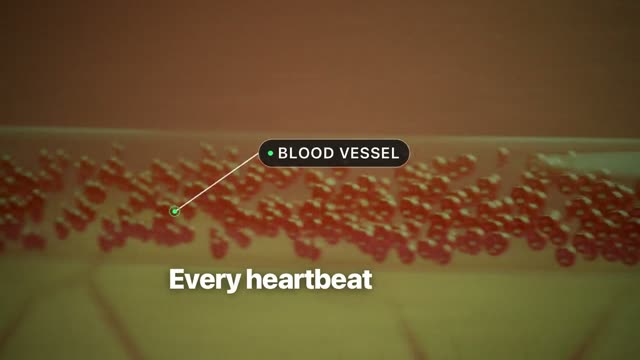
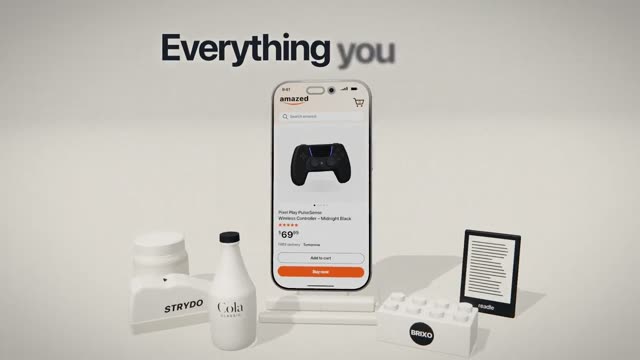
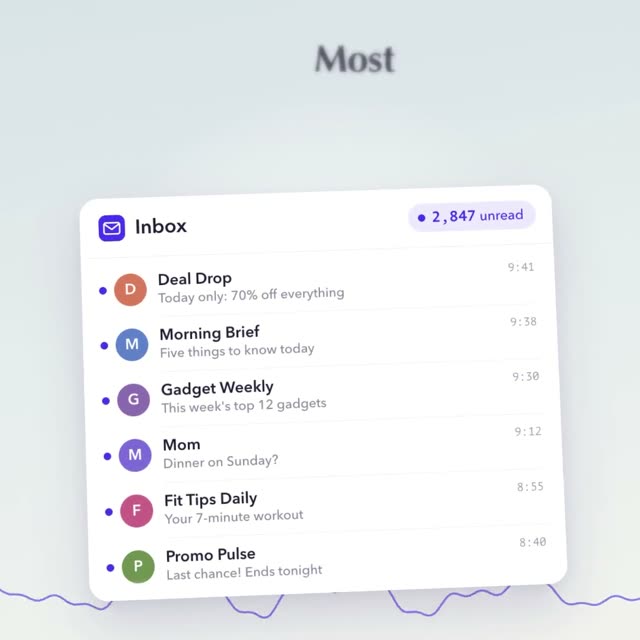
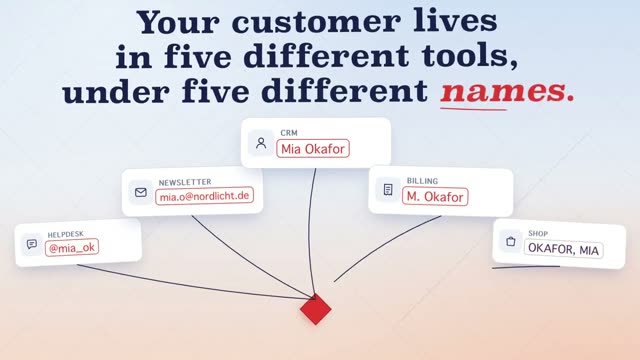
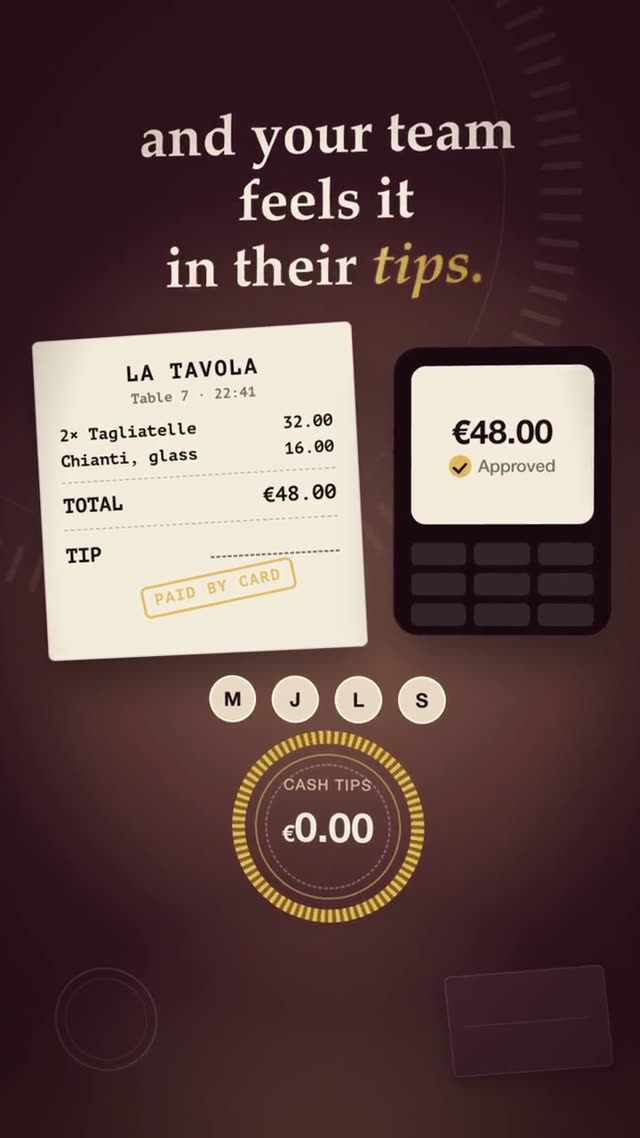
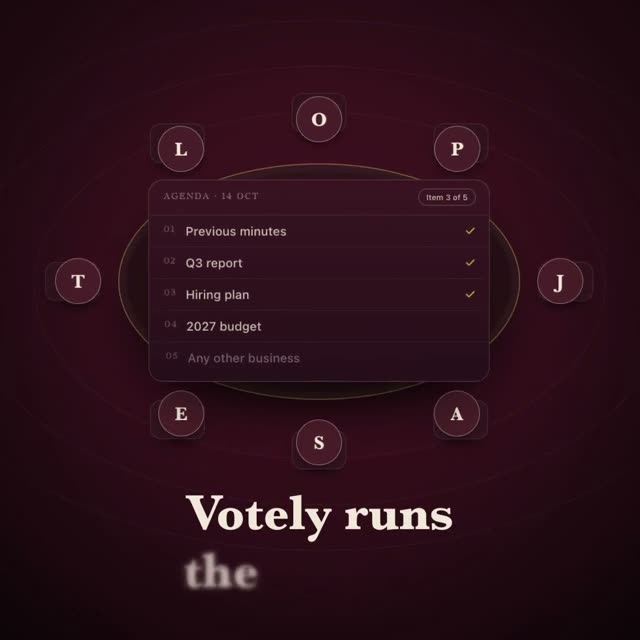
AI 3D ad film for a messaging app, 14 seconds in 16:9: one single camera flight in which every world sits inside an object of the last, with voice and sound effects. Paste the prompt into Claude, swap brand, products and look, and turn it into your own 3D film.
- Tool
- Claude
- Category
- 3D Style
- Format
- 16:9
# WhatsUp – 14.2-second 3D one-take spec ad for a messaging app, 16:9 ## 0. What you are building Build a 14.2-second widescreen 3D commercial for "WhatsUp", an invented messaging app. The whole film is ONE continuous camera take that follows a single …
another 3,893 wordsHow it works
Copy the prompt
One click and the full text is on your clipboard.
Make it yours
Change topic, style and text.
Generate the video
Paste it into your AI tool and let it generate. No editing software.
Questions about WhatsUp
How do I make a 3D ad film for a messaging app with Claude?
Paste the prompt “WhatsUp” into Claude. Swap brand, products and look for your own. Claude builds one continuous 3D camera flight in which every world sits inside an object of the last, and you export it as an MP4.
Do I need 3D software for it?
Yes, Claude works with three.js or Blender for it. Both are free, and you don't have to do anything in them yourself: Claude does all the work. You need no 3D experience.
What is in the prompt?
Around 3,937 words: the 16:9 format, exactly 14 seconds, every scene with colours and type, and every movement with its timing. Plus the voice-over and sound effects. That is why your video comes very close to the example.
What is a 16:9 video good for?
For your website, YouTube, Product Hunt and presentations. You may use the finished video for your own projects, for ads and for client work.
More like this.